
Everything You Need to Know About HubSpot’s Commerce Hub
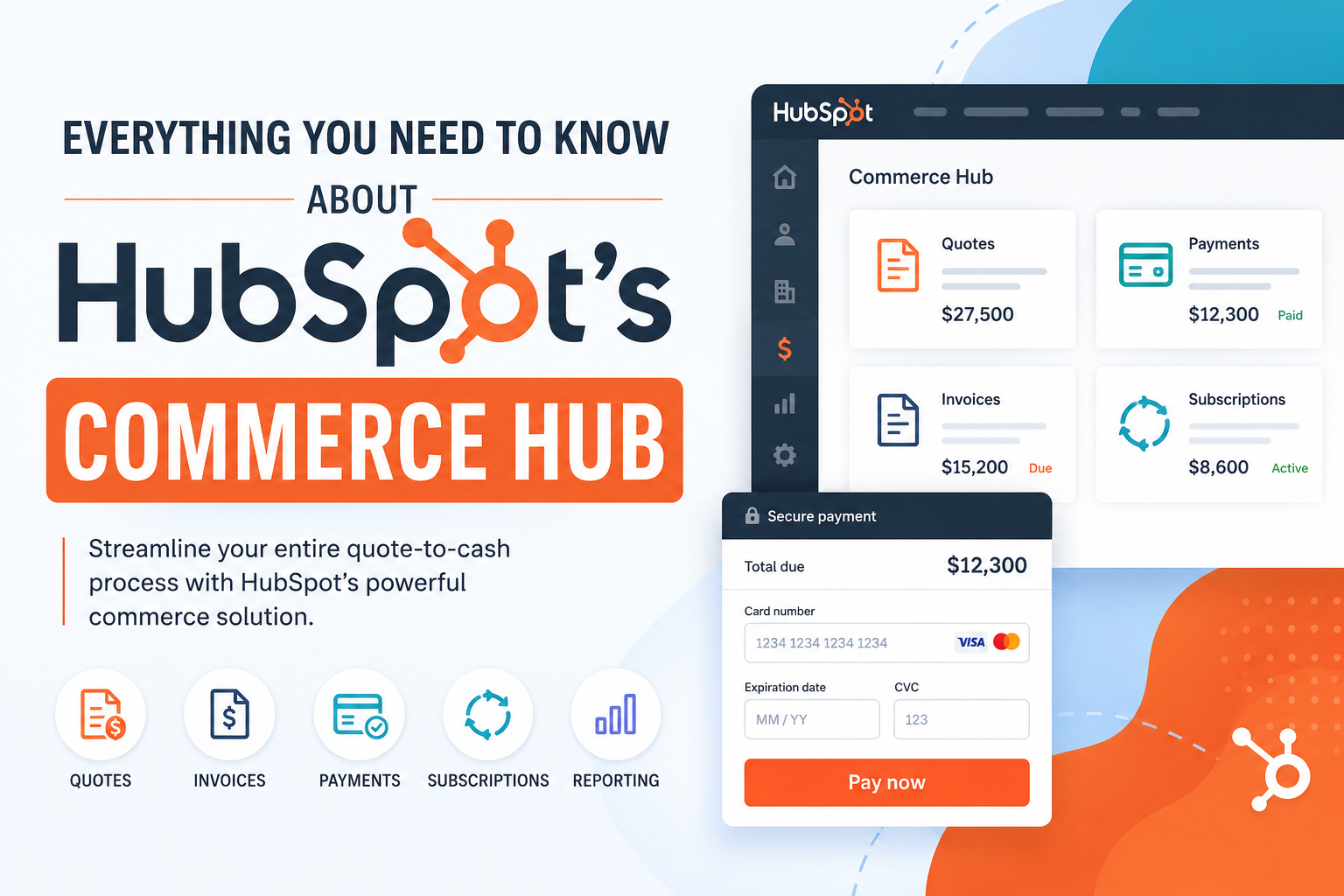
For many B2B companies, managing the sales-to-payment process can feel scattered. Quotes live in one place, invoices in another, payments in another, and customer data somewhere else entirely. That setup may work for a while, but as a business grows, it can quickly create friction for sales teams, finance teams, and customers.
That is where HubSpot’s Commerce Hub comes in.
Commerce Hub is HubSpot’s commerce software designed to help businesses manage quoting, billing, payments, subscriptions, and revenue reporting from one connected customer platform. Instead of relying on several disconnected tools, Commerce Hub brings key revenue operations into HubSpot’s Smart CRM.
For businesses already using HubSpot, Commerce Hub can be especially valuable because it connects commerce activity directly to contacts, companies, deals, and customer records.
If you are exploring HubSpot for your business, you can learn more or get started through this HubSpot referral link:
Explore HubSpot Commerce Hub
What Is HubSpot Commerce Hub?
HubSpot Commerce Hub is a set of tools that helps businesses streamline how they create quotes, send invoices, collect payments, manage subscriptions, and report on revenue.
In simple terms, it helps businesses move from quote to cash inside HubSpot.
Instead of jumping between a CRM, a quoting tool, an invoicing tool, a payment processor, and a reporting platform, Commerce Hub helps centralize that process. This gives teams a clearer view of what is happening with customers, deals, payments, and revenue.
Commerce Hub is especially useful for B2B companies that need to:
Create and send quotes
Turn quotes into invoices
Collect payments online
Manage recurring billing
Track overdue invoices
Connect payment activity to CRM records
Report on revenue performance
Reduce manual follow-up and admin work
For companies that already rely on HubSpot for marketing, sales, or customer management, Commerce Hub adds another important layer: the ability to manage revenue-related workflows directly where customer data already lives.
Why Commerce Hub Matters
A lot of businesses grow into messy systems over time.
At first, it may be fine to use one tool for CRM, another for quotes, another for invoices, another for payments, and a spreadsheet for reporting. But eventually, that setup creates problems.
Sales teams may not know whether an invoice has been paid. Finance teams may need to chase down information from sales. Leadership may struggle to get accurate revenue reporting. Customers may experience delays or confusing payment processes.
Commerce Hub helps solve this by connecting commerce activity with HubSpot’s CRM.
That means your team can get a better view of the customer journey, from the first sales conversation to the quote, invoice, payment, and future renewal.
This matters because commerce is not just about collecting payments. It is about creating a smoother process for your team and your customers.
Key Features of HubSpot Commerce Hub
Commerce Hub includes several features designed to help businesses manage revenue more efficiently.
1. Quotes
With HubSpot Commerce Hub, businesses can create and send branded quotes directly from HubSpot. These quotes can be connected to deal records, products, and customer information already stored in the CRM.
This helps sales teams create professional quotes faster and avoid manually rebuilding the same information in separate tools.
For B2B companies, quoting is often a critical part of the sales process. A clean, professional quote can help move a deal forward and give the customer a clearer buying experience.
2. Invoices
Commerce Hub allows businesses to create invoices from HubSpot, including invoices that are connected to quotes and deals.
This is helpful because it keeps billing activity tied to CRM data. Your team can see the relationship between the customer, the deal, the invoice, and the payment status.
Instead of manually creating invoices in a separate system and then updating HubSpot afterward, Commerce Hub helps keep that process more connected.
3. Payment Links
Payment links make it easier to collect money online.
With Commerce Hub, businesses can create payment links that can be shared through emails, websites, forms, or other channels. This gives customers a simple way to pay without requiring a complicated checkout process.
Payment links are useful for businesses that sell services, one-time products, consultations, retainers, deposits, or other offers that need a quick payment option.
4. Flexible Payment Processing
Commerce Hub gives businesses options for payment processing. Companies can use HubSpot payments or connect their Stripe account, depending on their setup and availability.
This flexibility matters because many businesses already use Stripe or have existing payment workflows. Commerce Hub can help bring those payments closer to the CRM without forcing every business into the exact same payment setup.
5. Subscriptions and Recurring Billing
For businesses with recurring revenue, Commerce Hub can help manage subscriptions and recurring billing.
This is especially helpful for companies that sell monthly services, memberships, retainers, software, or ongoing support packages.
Recurring billing can be difficult to manage manually. Commerce Hub helps automate parts of that process, which can reduce missed follow-ups, manual tracking, and billing confusion.
6. B2B Checkout
Commerce Hub also supports B2B checkout experiences. This allows businesses to create a more polished buying process for customers.
In B2B, the buying experience is often more complicated than a simple consumer purchase. There may be quotes, approvals, payment terms, invoices, and multiple contacts involved.
Commerce Hub helps create a more structured checkout process while keeping the activity connected to HubSpot’s CRM.
7. Revenue Reporting
One of the biggest advantages of using Commerce Hub is the ability to connect commerce data with CRM reporting.
When deals, quotes, invoices, payments, and customer records are connected, businesses can get better visibility into revenue performance.
This can help answer questions like:
Which deals have been quoted but not paid?
Which invoices are overdue?
Which customers are generating recurring revenue?
Which sales activities are leading to revenue?
How much revenue is tied to specific products, services, or pipelines?
For sales leaders and business owners, this visibility can be a major improvement over chasing numbers across disconnected systems.
8. Automation
Commerce Hub can also support automation around billing, collections, renewals, and customer follow-up.
For example, businesses may be able to automate reminders for overdue invoices, renewal-related tasks, customer onboarding steps, or internal notifications.
This can save time and reduce the amount of manual work required to manage the revenue process.
How Commerce Hub Fits Into the HubSpot CRM
The main value of Commerce Hub is not just the individual tools. It is the fact that those tools connect to HubSpot’s Smart CRM.
That connection is important.
When commerce data is connected to customer records, your team can see more of the full customer relationship in one place.
A sales rep can look at a contact or company record and understand what has been quoted, what has been purchased, what invoices exist, and what revenue is connected to that relationship.
A manager can review reporting without needing to manually combine information from multiple platforms.
A business owner can get a clearer view of the customer lifecycle and revenue pipeline.
This is what makes Commerce Hub different from using a standalone invoicing or payment tool. It is not only about sending invoices or collecting payments. It is about connecting those activities to the broader customer journey.
Who Should Use HubSpot Commerce Hub?
HubSpot Commerce Hub can be a good fit for businesses that want to simplify and centralize their sales-to-payment process.
It may be especially useful for:
B2B Service Companies
Agencies, consultants, professional services firms, and other B2B service providers often need to send quotes, collect payments, and manage recurring agreements. Commerce Hub can help simplify that process.
Sales Teams That Use HubSpot
If your sales team already works in HubSpot, Commerce Hub can help reduce the need to move between multiple tools for quoting, invoicing, and payments.
Companies With Recurring Revenue
Businesses with monthly subscriptions, retainers, or recurring billing can benefit from having subscription and payment data connected to their CRM.
Businesses That Need Better Revenue Visibility
If leadership is constantly chasing down revenue numbers from different systems, Commerce Hub can help create a clearer reporting structure inside HubSpot.
Companies Trying to Reduce Manual Admin Work
If your team spends too much time manually creating invoices, checking payment status, sending reminders, or updating records, Commerce Hub may help automate and organize those workflows.
Benefits of HubSpot Commerce Hub
Commerce Hub offers several important benefits for growing businesses.
It Centralizes the Quote-to-Cash Process
Commerce Hub helps bring quoting, billing, payments, and reporting into one connected system.
This can reduce tool overload and help teams work from the same source of truth.
It Improves Customer Experience
Customers benefit from a smoother buying and payment process. Branded quotes, easy payment links, and streamlined checkout can make the experience feel more professional.
It Saves Time for Sales and Finance Teams
When teams do not have to manually copy information between tools, they can spend more time on higher-value work.
Sales teams can focus on closing deals. Finance teams can focus on managing revenue. Leadership can focus on decision-making.
It Connects Revenue Data to CRM Data
This is one of the biggest advantages. Commerce Hub allows businesses to see revenue activity in the context of customer relationships.
That can lead to better reporting, better forecasting, and better decision-making.
It Supports Growth
As a business grows, manual systems become harder to manage. Commerce Hub gives businesses a more scalable way to manage payments, billing, and revenue operations.
HubSpot Payments vs. Stripe in Commerce Hub
Commerce Hub gives businesses payment processing options.
Businesses may be able to use HubSpot payments or connect Stripe, depending on their subscription, location, and setup.
HubSpot payments can be a convenient option for businesses that want to manage payments directly through HubSpot. Stripe can be useful for businesses that already use Stripe or have existing Stripe payment workflows.
The best option depends on your business model, payment needs, transaction volume, and current tools.
Before choosing, businesses should review current HubSpot and Stripe fees, availability, and subscription requirements.
Is HubSpot Commerce Hub Free?
HubSpot offers different tools and subscription tiers, and Commerce Hub availability can depend on the plan and features being used.
Some commerce-related features may be available with certain HubSpot subscriptions, while other advanced features may require a paid plan.
The best way to confirm current pricing and feature access is to review HubSpot’s official pricing information or explore HubSpot directly.
You can start here:
Explore HubSpot Commerce Hub
Things to Consider Before Using Commerce Hub
Commerce Hub can be powerful, but like any software, it should fit your business process.
Before adopting it, consider these questions:
Are you already using HubSpot CRM?
How do you currently create quotes?
How do you currently send invoices?
What payment processor do you use?
Do you need recurring billing or subscriptions?
Do you need better revenue reporting?
Are your sales and finance teams working from separate systems?
Do you want commerce activity connected to contact, company, and deal records?
If the answer to several of these questions is yes, Commerce Hub may be worth exploring.
HubSpot Commerce Hub for B2B Companies
Commerce Hub is particularly relevant for B2B businesses because B2B sales often involve more than a simple checkout page.
B2B companies may need quotes, approvals, payment terms, multiple stakeholders, custom pricing, and ongoing customer relationships.
Commerce Hub helps support that more complex process by keeping commerce activity tied to CRM records.
For example, a B2B company could use HubSpot to track a sales opportunity, create a quote, send an invoice, collect payment, and report on the revenue — all while keeping that activity connected to the customer record.
That creates a cleaner process for the internal team and a better experience for the buyer.
Final Thoughts: Is HubSpot Commerce Hub Worth It?
HubSpot Commerce Hub is worth considering if your business wants a more connected way to manage quotes, invoices, payments, subscriptions, and revenue reporting.
Its biggest strength is that it brings commerce activity into the same platform where your customer data already lives.
For businesses already using HubSpot, this can be a major advantage. Instead of managing revenue activity in disconnected systems, Commerce Hub helps create a clearer, more organized process from quote to payment.
It can help sales teams move faster, finance teams stay more organized, and leadership get better visibility into revenue.
If you are exploring whether HubSpot Commerce Hub is the right fit for your business, you can learn more through this HubSpot referral link: