
HubSpot Live Chat: Turn Website Visitors Into Real Conversations
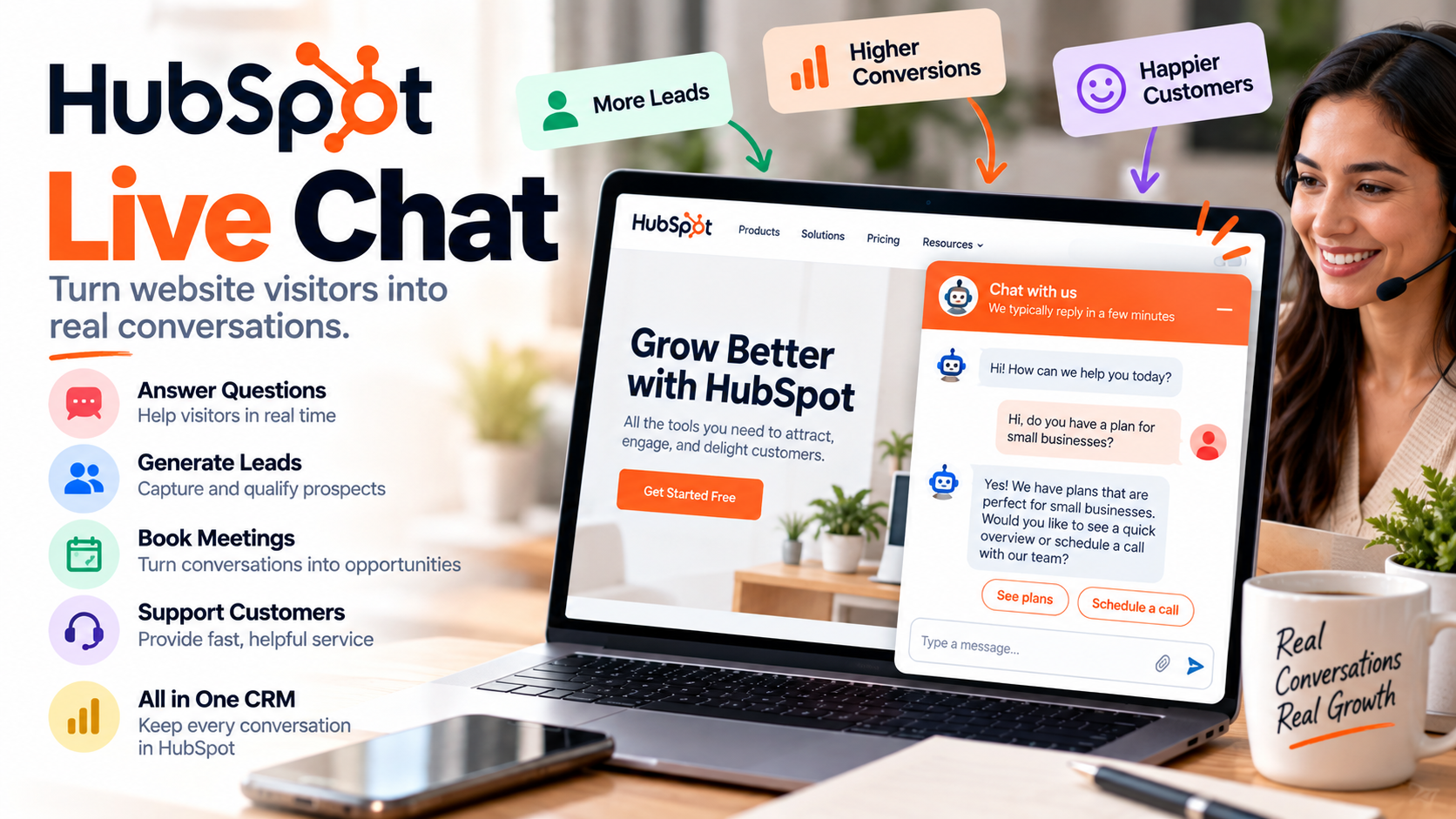
Getting someone to visit your website is only the beginning.
A potential customer might land on your pricing page, read about your services, or compare your product with a competitor. But while they're browsing, they may have one simple question standing between them and taking the next step.
That's where HubSpot Live Chat becomes useful.
Instead of forcing visitors to fill out a form and wait for someone to email them tomorrow, live chat gives them an opportunity to start a conversation directly from your website.
And because the chat functionality connects with the broader HubSpot CRM, those conversations can become part of the customer relationship rather than disappearing into a separate chat application. HubSpot
What Is HubSpot Live Chat?
HubSpot Live Chat is a website messaging tool that allows visitors to communicate with your team in real time.
You can add a chat widget to your website, customize its appearance, create welcome messages, determine where it appears, and route conversations to the appropriate people.
That means you could have one chat experience on your pricing page designed to connect prospects with sales and another on your knowledge base designed to connect existing customers with support. HubSpot Knowledge Base
This flexibility makes live chat useful for much more than answering random website questions.
It can become another channel for sales, lead generation, and customer service.
Why Live Chat Matters
Imagine you're researching a service that costs $500 per month.
You like what you see, but you have one question:
"Can I cancel at any time?"
You search the website but can't find the answer.
You could complete a contact form and wait for someone to respond.
Or you could leave.
Now imagine there's a chat button in the corner of the page.
You ask the question, receive an answer, and continue with your purchase.
That's the advantage of live chat: it reduces the distance between having a question and getting an answer.
HubSpot lets businesses route leads and customers to appropriate team members while also using chat automation for common questions. HubSpot
Connect Live Chat With Your CRM
This is probably the biggest reason I'd consider HubSpot Live Chat instead of treating chat as an isolated website plugin.
The conversation doesn't have to exist in its own little world.
Incoming conversations can be managed through the conversations inbox, where teams can view, manage, and respond to customer communications. The inbox is connected to the CRM environment, helping your team maintain context around the person they're talking to. HubSpot Knowledge Base
Suppose a prospect chats with your business about pricing.
Later, they become a customer.
When your team interacts with that person again, previous interactions can provide useful context rather than forcing the customer to explain everything from the beginning.
That's a much better approach to customer communication.
Use Live Chat for Sales
One of the best places to put live chat is on pages where visitors are showing buying intent.
Think:
Pricing pages, product pages, service pages, demo pages, and comparison pages.
Someone browsing your company's About page may simply be researching.
Someone spending time on your pricing page could be much closer to making a decision.
HubSpot lets you control where a live chat widget appears using page URLs and other known visitor information, allowing you to create more targeted chat experiences. HubSpot Knowledge Base
Instead of displaying the same generic message everywhere, you could greet someone on your pricing page with:
"Have a question about our plans? We're happy to help."
That's much more relevant.
Use Live Chat for Customer Support
Live chat isn't only a sales tool.
Existing customers often visit your website because they need help.
Rather than making them search for an email address, you can give them a direct communication channel.
For businesses using HubSpot for customer service, chat can work alongside help desk and other support tools. HubSpot itself recommends live chat as one way to manage customer questions and points businesses toward tickets, help desk, and knowledge-base functionality for broader support operations. HubSpot Knowledge Base
Service Hub Professional and Enterprise users can also enable knowledge-base browsing and search within the live chat experience. HubSpot Knowledge Base
That creates an interesting combination:
Self-service when possible. Human assistance when necessary.
Combine Live Chat With Chatbots
Of course, your employees can't answer every conversation 24 hours a day.
That's where automation enters the picture.
HubSpot also offers rule-based chatbot functionality that can ask visitors questions and perform tasks such as qualifying leads, booking meetings, and creating support tickets. HubSpot Knowledge Base
For example, imagine someone opens your chat and says they're interested in your consulting services.
A bot could begin by asking:
What service are you interested in?
Then:
How large is your company?
Then:
Would you like to schedule a consultation?
The bot handles the initial qualification process, while a human can take over when the conversation requires personal attention.
The objective isn't to replace every human conversation.
It's to automate the repetitive parts so your employees can focus on conversations where their expertise actually matters.
Control When Your Team Is Available
A bad live chat experience can be worse than having no live chat at all.
If your website says:
"Chat with us!"
…and nobody responds for six hours, you've created the wrong expectation.
Fortunately, HubSpot provides availability controls.
Businesses can base availability on team-member status, establish specific chat operating hours, or configure chat as available 24/7. You can also determine what visitors see when your team is away or outside working hours, such as an away message, expected return time, or no chat launcher at all. HubSpot Knowledge Base
This might sound like a small feature, but it's important.
Good customer communication isn't necessarily about answering instantly.
It's about setting accurate expectations.
Customize the Chat Experience
Your live chat shouldn't feel completely disconnected from the rest of your website.
The chat channel can be customized with elements such as the widget's accent color and avatar. You can also configure availability and other behavior to better match how your team operates. HubSpot Knowledge Base
You can then create different chatflows for different situations.
A sales-focused page could emphasize talking with an advisor.
A support page could emphasize getting help.
A product page could ask whether the visitor has questions about that specific solution.
This is where live chat becomes more strategic.
Instead of simply installing a generic "How can we help?" bubble on every page, you're designing conversations around the visitor's context.
Everything Goes Into a Shared Inbox
If multiple employees are responsible for customer conversations, organization matters.
You don't want three employees answering the same question while another customer receives no response at all.
The HubSpot conversations inbox provides a centralized place to manage incoming conversations. Team members can work with conversations, reassign them, comment on threads, and move conversations when appropriate. HubSpot Knowledge Base
This can become particularly valuable as a small business grows.
One person might manage every customer message today.
Six months from now, you might have sales, customer service, and account-management employees all interacting with customers.
A shared system makes that transition easier.
Who Should Use HubSpot Live Chat?
I think live chat makes the most sense for businesses where customers commonly have questions before buying or while using a product.
That includes SaaS companies, consultants, agencies, ecommerce businesses, professional services companies, B2B businesses, and customer-support teams.
It's particularly attractive for businesses already using HubSpot because the conversation can connect with the same CRM environment used for other customer interactions.
There's also a low barrier to experimenting with it. HubSpot currently advertises its live chat software with free and premium functionality, and its documentation lists live chat creation across its products and plans, although particular advanced capabilities can require additional subscriptions or seats. HubSpot
Live Chat Isn't a Replacement for Good Service
Installing a chat widget won't automatically improve your customer experience.
You still need people who understand your product.
You still need useful answers.
You still need reasonable response times.
And you need to decide when automation is appropriate and when someone needs a human conversation.
The technology should make communication easier—not create another frustrating layer between your business and its customers.
Start simple.
Add live chat to one or two high-value pages.
Create a clear welcome message.
Set realistic availability.
Watch what visitors ask.
Then use those conversations to improve your website, FAQs, sales process, and customer support.
Final Thoughts
The most interesting thing about HubSpot Live Chat isn't the little chat bubble that appears on your website.
It's what happens behind it.
A visitor can ask a question at the exact moment they're interested.
Your team can respond.
Bots can handle repetitive interactions.
Conversations can be managed centrally.
And because everything can connect with your CRM, a website conversation can become part of a much larger customer relationship.
For a small business, that can be incredibly useful.
Your website stops being a static collection of pages and starts becoming a place where real conversations happen.
If you need help setting up HubSpot, get in touch with me.