
HubSpot Reporting: The Complete Guide to Smarter Business Decisions
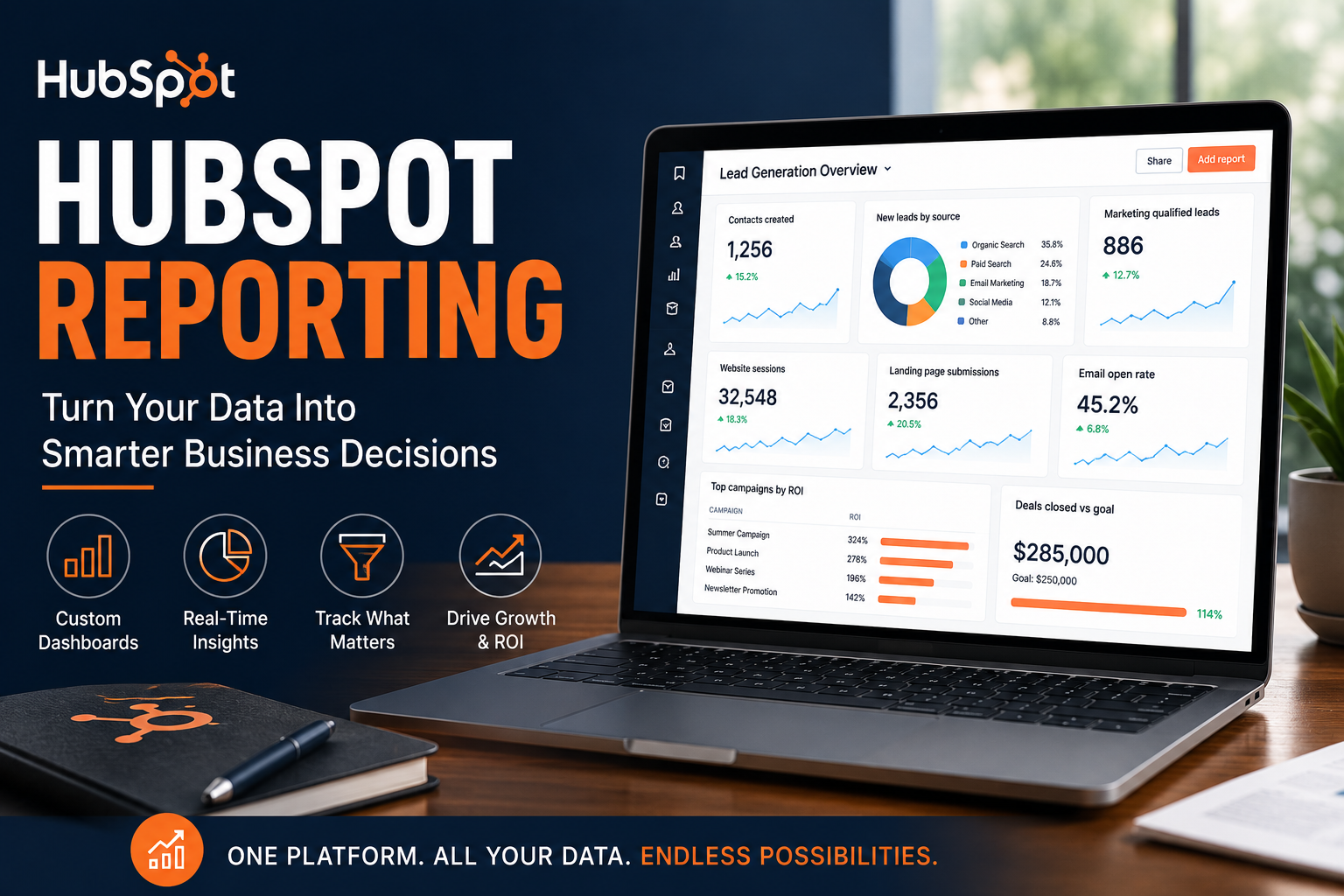
Most businesses don't suffer from a lack of data.
They suffer from a lack of useful data.
Every day, companies collect information from their website, marketing campaigns, sales team, customer support, and finance systems. Yet when leadership asks a simple question like:
"How are we actually performing?"
...the answer often requires opening five different platforms and stitching together multiple spreadsheets.
That's where HubSpot Reporting shines.
Rather than simply storing your customer data, HubSpot transforms it into actionable insights that help you make faster, smarter business decisions.
If you're wondering whether HubSpot's reporting capabilities are worth investing in, this guide will walk you through everything you need to know.
What Is HubSpot Reporting?
HubSpot Reporting is HubSpot's built-in analytics and business intelligence platform.
It allows businesses to visualize data from across their CRM, marketing, sales, customer service, and operations using customizable dashboards and reports.
Instead of manually exporting data into Excel every month, your reports update automatically as your business grows.
Whether you're a CEO, marketing manager, salesperson, or operations leader, everyone can access the metrics that matter most.
Why Reporting Matters
You can't improve what you don't measure.
Many businesses focus heavily on generating leads and closing sales, but never stop to ask questions like:
Which marketing channels generate the highest ROI?
Which sales reps close deals the fastest?
What's our average sales cycle?
Which email campaigns actually generate revenue?
Where are prospects dropping off?
Which customers are the most profitable?
Without reliable reporting, you're making decisions based on assumptions.
With HubSpot Reporting, those answers are only a few clicks away.
What Can You Track?
One of HubSpot's biggest strengths is that reporting isn't limited to just one department.
You can build reports across virtually every aspect of your business.
Marketing Reporting
Marketing teams can monitor:
Website traffic
Landing page performance
Email engagement
Conversion rates
Form submissions
Campaign ROI
Source attribution
Paid advertising performance
Instead of guessing which campaigns are working, you can see exactly where your leads are coming from.
Sales Reporting
Sales leaders can track:
Pipeline health
Deal stages
Forecasted revenue
Win rates
Sales velocity
Activity volume
Meetings booked
Calls completed
Individual rep performance
This helps managers coach their teams using real performance data instead of intuition.
Customer Service Reporting
Support teams can measure:
Ticket volume
Resolution time
Customer satisfaction
SLA performance
Team workload
Common support issues
These insights help improve both customer experience and operational efficiency.
Executive Dashboards
Executives don't need dozens of reports.
They need a few dashboards that clearly answer:
Are we growing?
Are we profitable?
Are marketing and sales aligned?
Where should we invest next?
HubSpot Reporting makes it easy to create executive dashboards that surface the KPIs leadership cares about most.
Custom Dashboards for Every Team
One feature I particularly appreciate is HubSpot's dashboard flexibility.
Instead of forcing everyone to look at the same metrics, you can build dashboards tailored to different roles.
For example:
Marketing Dashboard
Website traffic
Leads generated
Conversion rate
Email performance
Campaign ROI
Sales Dashboard
Deals created
Revenue closed
Forecast
Pipeline value
Activity tracking
Executive Dashboard
Monthly revenue
Marketing ROI
Customer acquisition cost
Sales performance
Revenue by source
Everyone gets the information that's most relevant to their role.
Build Reports Without Writing Code
Many reporting platforms require SQL queries or advanced technical knowledge.
HubSpot doesn't.
Using drag-and-drop tools, you can create reports that compare the following:
Contacts
Companies
Deals
Tickets
Custom Objects
Marketing Emails
Campaigns
Website Activity
This makes advanced reporting accessible to teams that don't have dedicated analysts.
Better Decisions Through Better Data
Good reporting doesn't just produce charts.
It helps answer real business questions.
For example:
Instead of asking:
"How many emails did we send?"
You can ask:
Which emails generated revenue?
Which audience segments convert best?
Which lifecycle stages need improvement?
Which campaigns influence closed deals?
Those are the insights that actually move a business forward.
Real-Time Reporting
One of the biggest advantages of HubSpot Reporting is that your dashboards update automatically.
There's no waiting until the end of the month.
No exporting spreadsheets.
No manually updating charts.
Your reports evolve as new customer activity happens.
That means leadership always has access to the latest information.
Why I Recommend HubSpot Reporting
I've worked with businesses that spent hours every month manually preparing reports.
Marketing exported data from one platform.
Sales exported another spreadsheet.
Finance pulled separate numbers.
Leadership then tried to reconcile everything into one presentation.
It wasn't sustainable.
With HubSpot Reporting, much of that manual work disappears.
Your CRM becomes your single source of truth.
Marketing, sales, customer service, and operations all report from the same dataset, reducing confusion and improving confidence in your numbers.
Common Reports Every Business Should Have
If you're just getting started, I'd recommend building these dashboards first:
Executive KPI Dashboard
Marketing Performance Dashboard
Sales Pipeline Dashboard
Revenue Dashboard
Customer Acquisition Dashboard
Lifecycle Funnel Dashboard
Customer Service Dashboard
Campaign Performance Dashboard
These provide an excellent foundation for most growing businesses.
Is HubSpot Reporting Worth It?
If your business relies on spreadsheets, manual reporting, or disconnected data sources, then yes.
Absolutely.
Reporting isn't just about measuring the past.
It's about making better decisions for the future.
The sooner you understand what's working—and what isn't—the faster you can optimize your business.
For organizations already using HubSpot, the reporting capabilities often become one of the platform's most valuable features.
Final Thoughts
Data alone doesn't grow businesses.
Understanding your data does.
That's exactly what HubSpot Reporting helps you achieve.
Whether you're tracking marketing campaigns, managing sales pipelines, measuring customer satisfaction, or reporting to executives, having reliable, real-time insights can transform how your organization operates.
If you're serious about making data-driven decisions, HubSpot Reporting is one of the best investments you can make.
Need Help Building Better HubSpot Reports?
Whether you're creating executive dashboards, marketing reports, sales analytics, or custom reporting inside HubSpot, I'd be happy to help.