
Why Every Marketing Team Needs SOPs
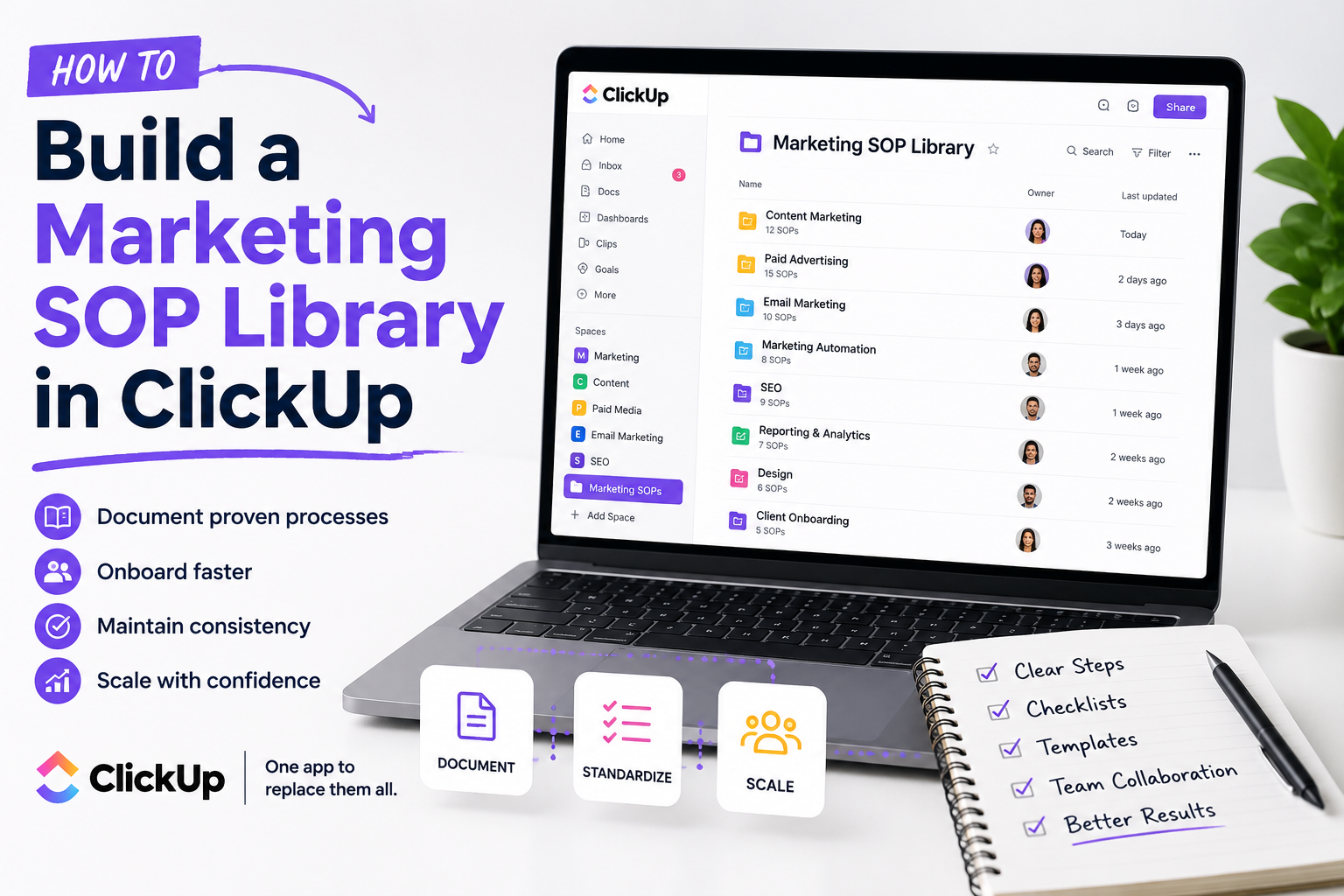
Marketing involves hundreds of recurring tasks.
Think about everything your team does on a regular basis:
Publishing blog articles
Creating landing pages
Launching Google Ads campaigns
Sending newsletters
Creating HubSpot workflows
Managing social media
Producing videos
Running webinars
Building reports
Creating client presentations
If every employee completes these tasks differently, quality becomes inconsistent.
That's where SOPs come in.
A good SOP removes guesswork and documents the best way to complete a task, allowing anyone on the team to follow the same proven process.
Why I Like Using ClickUp for SOPs
There are plenty of places where you could store documentation.
Google Docs.
Notion.
Confluence.
Word documents.
Shared folders.
But I prefer ClickUp because your documentation doesn't live separately from your work—it lives alongside it.
That means your team can:
Read the SOP
Create the task
Assign responsibilities
Track progress
Attach files
Leave comments
Update documentation
All from one platform.
Instead of constantly switching between multiple applications, everything stays connected.
Step 1: Create a Dedicated SOP Space
I recommend creating a dedicated Space or Folder specifically for documentation.
For example:
Marketing SOPs
Inside it, organize your documentation into categories like:
Content Marketing
Paid Advertising
SEO
Email Marketing
Marketing Automation
CRM
Reporting
Design
Video Production
Client Onboarding
Keeping everything organized from the beginning makes it much easier to scale later.
Step 2: Use ClickUp Docs
One of my favorite features is Docs.
Each SOP can become its own document.
For example:
Blog Publishing SOP
Include sections like:
Objective
Tools Needed
Step-by-Step Instructions
Quality Checklist
Internal Links
SEO Checklist
Publishing Process
Promotion Checklist
Instead of writing walls of text, make your SOPs easy to scan using:
Headings
Bullet lists
Numbered steps
Tables
Images
GIFs
Embedded videos
Links
Remember:
People don't read documentation.
They reference it.
Make it easy to find answers quickly.
Step 3: Turn SOPs Into Templates
This is where ClickUp really shines.
Once you've documented a process, convert it into a task template.
For example:
Every time someone creates a new blog article, they instantly receive:
Keyword research
Outline approval
Writing
Editing
SEO review
Internal linking
Featured image
Publish
Social promotion
Email newsletter
Every step is already there.
Nothing gets forgotten.
Step 4: Add Checklists
Not every task deserves its own subtask.
Sometimes a checklist works better.
For example, your blog publishing checklist might include:
✅ Meta description
✅ Featured image
✅ Alt text
✅ Internal links
✅ External links
✅ CTA
✅ Grammar review
✅ Mobile review
✅ SEO optimization
Simple checklists dramatically reduce mistakes.
Step 5: Include Videos
Some processes are much easier to demonstrate than explain.
Instead of writing five paragraphs about using HubSpot or Google Ads, simply record a two-minute screen recording.
Then embed the video directly inside your SOP.
This makes onboarding significantly faster and helps visual learners understand processes more quickly.
Step 6: Link Related SOPs Together
Marketing processes rarely exist in isolation.
For example:
Your "Publish Blog" SOP may link to:
Keyword Research SOP
SEO Optimization SOP
Content Brief SOP
Image Optimization SOP
Internal Linking SOP
Social Media Promotion SOP
Connecting related documentation creates a true knowledge base instead of a collection of disconnected documents.
Step 7: Keep Everything Updated
An outdated SOP can be worse than having no SOP at all.
Marketing platforms change constantly.
Google updates.
HubSpot releases new features.
Meta changes Ads Manager.
AI tools evolve every month.
Schedule quarterly reviews to ensure every SOP still reflects your current best practices.
Treat documentation as a living resource—not a one-time project.
Bonus Tip: Build SOPs While You Work
One mistake I see companies make is trying to document everything at once.
Don't.
Instead, document processes as you perform them.
The next time you:
Launch a campaign
Publish a blog
Build a workflow
Create a landing page
...record the steps.
Within a few months, you'll naturally build an extensive SOP library without dedicating weeks to documentation.
The Long-Term Benefits
A well-organized SOP library pays dividends for years.
It helps you:
Onboard employees faster
Maintain consistent quality
Reduce training time
Delegate confidently
Scale operations
Reduce mistakes
Preserve institutional knowledge
Improve accountability
Perhaps most importantly, it allows your business to become less dependent on any single employee.
Your processes become company assets.
Final Thoughts
One of the biggest signs of a mature marketing organization isn't the number of campaigns it launches—it's how consistently those campaigns are executed.
That's exactly what a strong SOP library helps you achieve.
By combining documentation, templates, checklists, tasks, and collaboration in one place, ClickUp makes it remarkably easy to build a knowledge base that grows alongside your business.
Whether you're a solo consultant, a marketing agency, or an in-house marketing team, investing time in documenting your processes today will save countless hours in the future.
If you haven't already, I highly recommend exploring ClickUp and seeing how it can help you organize not just your projects—but your entire marketing operation.
If you need help setting up ClickUp, get in touch with me.