
ClickUp Brain Review: Is Its AI Worth Paying For?
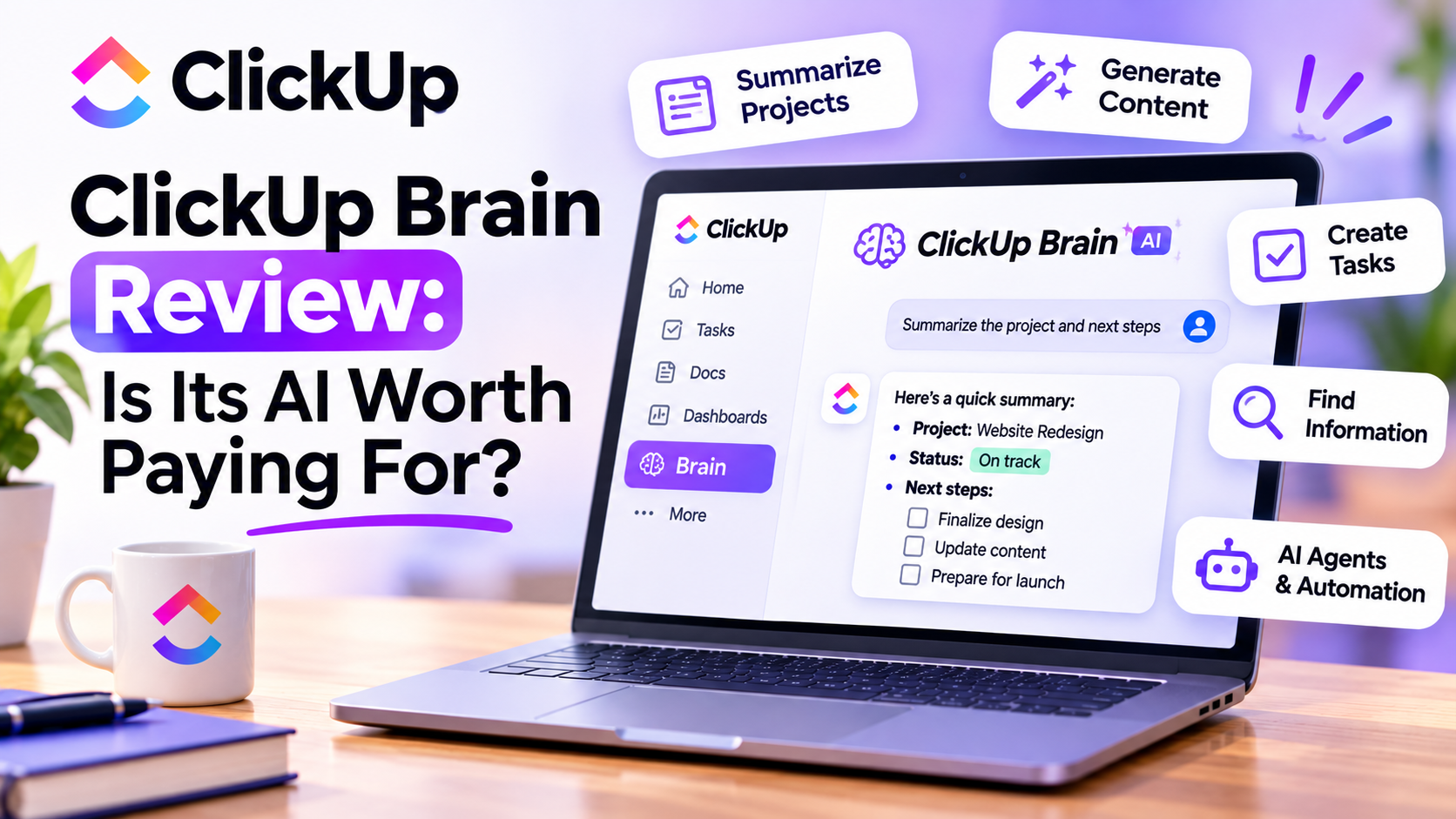
Artificial intelligence is becoming a standard feature in business productivity software.
Almost every project management platform now promises to help teams work faster, automate repetitive tasks, and improve collaboration with AI.
But here's the question I think businesses should be asking:
Is AI actually helping your team become more productive, or are you simply paying for another feature nobody uses?
As a CRM and marketing automation consultant, I spend a lot of time thinking about how businesses can improve their processes without adding unnecessary complexity.
That's why I find ClickUp Brain interesting.
Instead of functioning only as a standalone AI chatbot, it connects artificial intelligence with the tasks, documents, conversations, and workflows your team already manages.
In this review, I'll explain what it does, its most useful features, its limitations, and whether I think it's worth paying for.
What Is ClickUp Brain?
ClickUp Brain is the AI assistant built into the ClickUp productivity platform.
Its main purpose is to help users find information, generate content, manage tasks, and complete work using the context of their existing workspace.
Depending on your subscription and available features, Brain can help you:
Summarize projects and documents.
Generate tasks and subtasks.
Draft emails, reports, and project plans.
Answer questions about workspace information.
Search connected applications.
Analyze information and create reports.
Build AI-powered workflows and agents.
What makes this approach particularly interesting is the connection between AI and your actual business operations.
Rather than explaining your project to a separate chatbot every time, you can ask questions about work already organized in your workspace.
1. AI-Powered Project Summaries Save Time
One of the most practical applications of Brain is project summarization.
Imagine you're managing five marketing campaigns, three client projects, and several internal initiatives.
You don't necessarily have time to open every task and read every comment to understand what's happening.
With ClickUp Brain, you can request summaries of relevant projects, tasks, or documents.
For example, you might ask:
"Summarize the current status of our website redesign project."
Or:
"What are the outstanding action items from this project?"
For consultants, project managers, and agency owners, this can reduce the time spent preparing for meetings.
However, I would still verify important deadlines, blockers, and deliverables against the underlying tasks.
AI-generated summaries are helpful, but they shouldn't replace accountability.
2. AI Writing Helps Marketing Teams Move Faster
Another feature worth exploring is AI-assisted writing.
Brain can help draft and improve content directly within your workspace.
For example, marketing teams can use it to create:
Campaign briefs
Social media content drafts
Blog post outlines
Email copy
Project descriptions
Internal documentation
Client communication drafts
One of my favorite potential use cases is creating standardized marketing briefs.
Instead of starting from a blank document, you could ask Brain to generate a campaign brief based on an existing project.
Your team can then review the output, add missing details, and refine the messaging.
This is where I think AI delivers real value.
It doesn't have to replace your creativity. It can eliminate repetitive preparation work.
Of course, every customer-facing draft should still receive a human review for accuracy, tone, and brand consistency.
3. Turning Information Into Actionable Tasks
This is probably one of the most useful capabilities for businesses that struggle with execution.
Teams spend a surprising amount of time turning conversations, notes, and documents into actionable work.
Someone creates a project proposal.
Another person identifies deliverables.
Then somebody needs to manually create tasks, organize subtasks, and assign responsibilities.
Brain can help turn written information into structured action items.
For example, imagine you're preparing to launch a new website.
You could ask the AI to generate tasks for content creation, design, development, testing, and launch preparation.
Instead of building the entire task structure manually, you receive a starting point that can be refined.
I particularly like this approach for recurring business processes such as client onboarding, campaign launches, and website projects.
4. Finding Information Across Your Workspace
One of the biggest productivity problems I see in growing businesses is scattered information.
Important decisions are buried in comments.
Project requirements live in documents.
Updates are spread across different conversations.
And team members waste time asking questions that have already been answered.
ClickUp Brain can use workspace context to answer questions about relevant tasks, documents, and conversations.
With supported connected applications, it can also help locate information beyond the workspace.
For example:
"Where is the latest client onboarding checklist?"
Or:
"What did we decide about the campaign launch date?"
The value here isn't simply faster search.
It's making existing organizational knowledge more accessible.
However, the quality of the answers depends on how well your team maintains its information.
If your workspace contains outdated documents and incomplete tasks, AI won't magically make that information reliable.
5. AI Agents and More Advanced Automation
One of the more ambitious developments is the introduction of AI-powered agents.
ClickUp offers Super Agents designed to help teams perform tasks and coordinate workflows using workspace context.
For example, businesses might explore agents for project updates, information retrieval, or recurring operational activities.
This is different from a traditional automation that follows a fixed trigger-and-action sequence.
AI agents can interpret instructions and context to perform more flexible work within their available permissions.
But I wouldn't recommend introducing agents simply because they're available.
Start with a clearly defined process, determine which decisions require human approval, and measure whether the agent saves meaningful time.
Advanced AI features may also consume credits or have additional usage limits.
6. ClickUp Brain Pricing: What Should You Expect?
Pricing is an important part of deciding whether Brain is worth it.
As of November 2026, the official AI pricing page advertises the following annual-billing promotional rates:
OfferingAdvertised priceFree Forever$0, with trial AI accessBrain AI$9 per user/monthEverything AI$28 per user/month
These advertised rates may change, and monthly billing may cost more.
There's another important detail: ClickUp is transitioning workspaces to newer plans that include varying amounts of AI functionality.
This means the options available to your business may differ depending on your existing subscription.
Premium AI models, Super Agents, meeting transcription, and other advanced capabilities can have separate limits or credit requirements.
Before upgrading, I recommend reviewing your workspace's actual plan, available AI features, and expected usage.
7. What I Like About ClickUp Brain
The biggest advantage, in my opinion, is convenience.
Instead of constantly switching between project management software and an external AI tool, your team can use AI where work already happens.
I also like the emphasis on practical activities such as summarizing documents, creating tasks, and finding project information.
These are real business problems.
For small teams, even modest time savings across several employees can make a difference.
And for marketing agencies or consultants managing multiple projects, having AI assistance connected to project context is particularly appealing.
8. What Could Be Better?
Despite its potential, Brain isn't necessarily the right investment for everyone.
First, the subscription and usage structure can be confusing, especially while different workspaces operate under different plans.
Second, the benefits depend heavily on how consistently your team uses the platform.
If most of your work happens elsewhere, you may not benefit from its workspace-specific intelligence.
Third, AI-generated content and recommendations still require verification.
Finally, advanced capabilities can introduce additional costs and administrative considerations.
For businesses handling confidential client information, I also recommend reviewing AI access permissions, connected applications, and data-handling policies before deployment.
Who Should Pay for ClickUp Brain?
I think Brain is particularly relevant for:
Marketing agencies managing multiple campaigns and clients.
Consultants organizing deliverables, documentation, and follow-ups.
Project managers preparing updates and coordinating teams.
Small businesses standardizing recurring workflows.
Operations teams managing complex internal processes.
However, if you're a solopreneur managing only a handful of tasks, you may not need the paid AI capabilities immediately.
And if your team rarely uses its project management workspace, I'd improve adoption before spending more on AI.
My Verdict: Is ClickUp Brain Worth Paying For?
Yes, potentially—but only if your team will use it regularly.
I think Brain makes the strongest case for itself when your business already manages substantial work inside the platform.
If your team frequently creates project briefs, summarizes updates, searches documentation, and organizes recurring processes, AI assistance can reduce administrative work.
But if you're considering paying for Brain simply because AI is popular, I'd reconsider.
My recommendation is to identify two or three specific workflows where the AI could save time.
Try the available features, measure the results, and decide whether the subscription justifies the investment.
Ultimately, the best AI tool isn't necessarily the one with the longest feature list.
It's the one that helps your team accomplish meaningful work more efficiently.
If you're looking for a project management platform with integrated AI capabilities, ClickUp Brain is worth exploring.
Explore ClickUp Brain and see whether its AI features make sense for your business.
If you need help setting up ClickUp, get in touch with me.