
How to Use Instantly.ai Without Sounding Automated
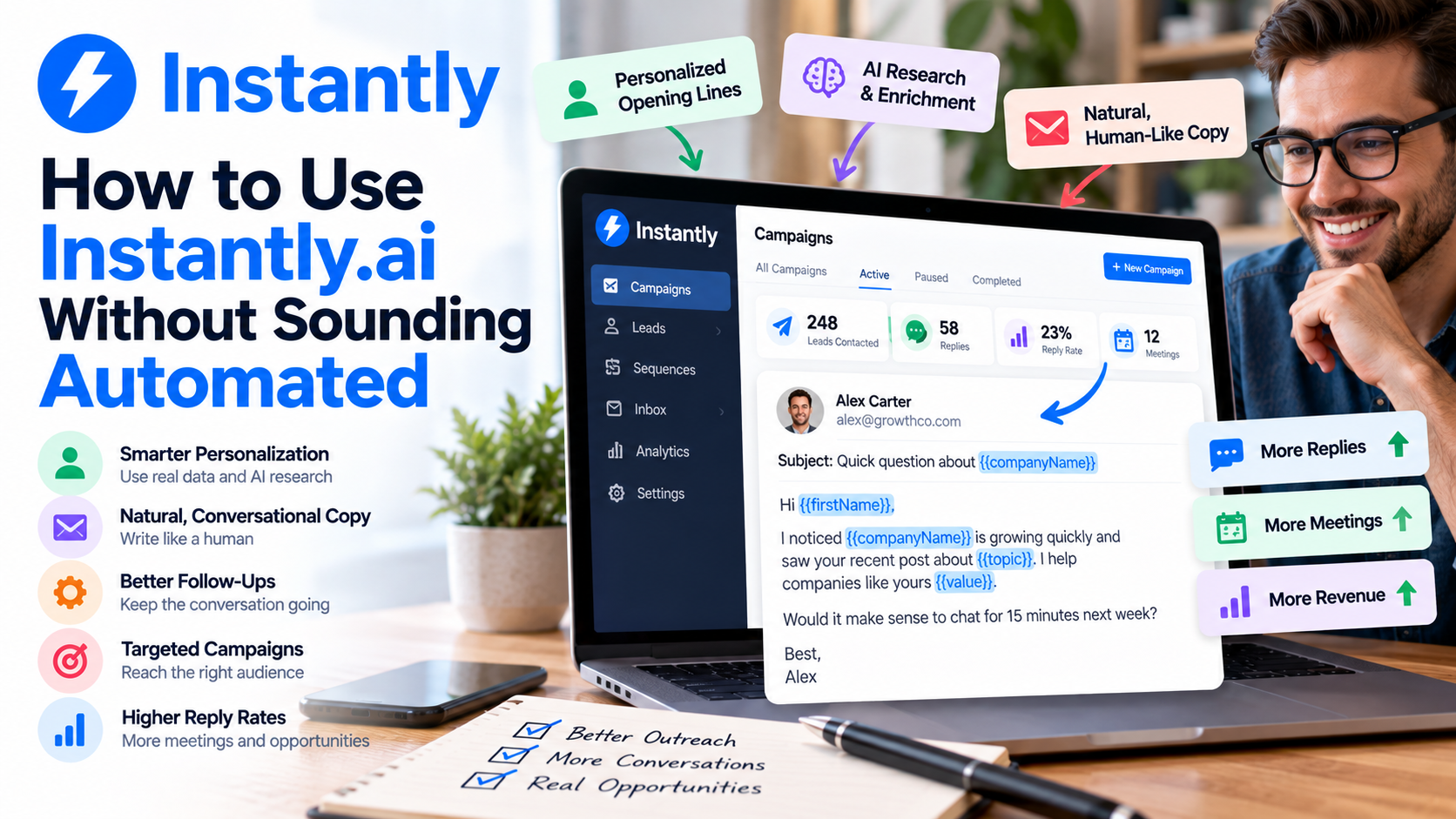
Cold email automation creates an interesting problem.
The more you automate your outreach, the easier it becomes to reach hundreds of potential customers. But the more automated your emails sound, the easier they are to ignore.
We've all received those emails:
"Hi John, I noticed that you're the CEO of Company XYZ..."
Technically, it's personalized. But it doesn't feel personal.
That's why getting good results from Instantly.ai isn't simply about creating a sequence, uploading thousands of prospects, and pressing launch. The goal should be to use automation behind the scenes while making the experience on the prospect's side feel relevant and natural.
Fortunately, Instantly.ai gives you several tools for doing exactly that.
Start With a Narrow Audience
Personalization begins before you write the first email.
Imagine you're selling bookkeeping services.
You could build one campaign targeting:
"Small businesses."
But that's incredibly broad.
A 10-person marketing agency, a construction company, and an ecommerce store might all qualify as small businesses while having completely different problems.
Instead, build campaigns around narrower groups.
You might create one campaign for marketing agencies with 5–25 employees and another for ecommerce companies within a specific revenue range.
The copy immediately becomes easier to personalize because you're writing to people with similar circumstances.
This is also consistent with Instantly.ai's current guidance around personalization at scale: start with accurate prospect data, segment contacts around meaningful shared characteristics, and determine which elements of the message actually need to change. Instantly
Automation works much better when the message already feels relevant to the audience.
Go Beyond {{firstName}}
Using someone's first name is personalization.
But it's the absolute minimum.
Instantly.ai supports predefined variables including first name, last name, job title, company name, location, website, LinkedIn information, and a dedicated personalization field. You can also import your own custom variables and insert them into campaign copy. Instantly Help Center
That opens up much more interesting possibilities.
Instead of:
"Hi Sarah, I help companies improve their lead generation."
You could create messaging that incorporates Sarah's role, company, industry, or a specific business challenge.
The difference is subtle but important.
Bad personalization inserts information.
Good personalization uses information to make the message more relevant.
Your prospect shouldn't notice that you've inserted a variable. They should simply feel like the email makes sense for them.
Create Personalized Opening Lines
One of my favorite features in Instantly.ai is the ability to use personalized lines.
You can create a Personalization column in your lead list, give each prospect an individualized opening line, map that field during import, and then insert it into your email using the {{Personalization}} variable. Those lines can be written manually or generated with AI. Instantly Help Center
This can dramatically change how an automated email feels.
Instead of:
"I came across your company and wanted to reach out."
You could reference something meaningful about the business before transitioning naturally into why you're contacting them.
But there's an important rule here:
Don't personalize for the sake of personalization.
Mentioning someone's university, favorite sports team, or random LinkedIn post doesn't automatically make your pitch relevant.
The strongest personalization creates a bridge between something you know about the prospect and the reason you're emailing them.
Use AI for Research, Not Just Writing
AI becomes much more interesting when you use it to understand prospects rather than simply asking it to write generic emails.
Instantly.ai currently provides AI enrichment tools that can generate opening lines, research companies, enrich profiles, identify technologies, examine job listings, surface company news, and create custom outputs using your own prompts. Instantly Help Center
Suppose you sell recruiting software.
Instead of sending every company the same message, you could research whether a company is actively hiring.
Your message can then revolve around an actual situation.
Or perhaps you sell a service specifically for Shopify businesses.
Technology enrichment could help identify relevant companies, allowing the campaign itself to be more focused.
That's how AI can make automation feel less automated.
You're using technology to improve context rather than simply generate more words.
Keep Your Emails Short and Conversational
One of the easiest ways to make an automated email sound automated is to make it read like a marketing brochure.
You don't need:
"Our innovative, cutting-edge solution empowers forward-thinking organizations to unlock unparalleled growth..."
Nobody emails colleagues like that.
Write your outreach the way you'd write a short business email to someone you actually wanted to speak with.
Explain why you're contacting them, why it might be relevant, and what you'd like them to do next.
Then stop.
Your first email doesn't need to explain every feature of your product.
Its job is usually to start a conversation.
Use Instantly.ai Spintax Carefully
If you're sending at scale, you also don't necessarily want every email to contain exactly the same wording.
That's where Spintax comes in.
Instantly.ai supports Spintax that randomly selects between different versions of words, sentences, greetings, and calls to action. The platform also has an AI Spintax Writer that can automatically create these variations. Instantly Help Center
For example, one recipient might receive:
"Would it make sense to chat next week?"
Another might receive:
"Open to a quick conversation?"
Another:
"Worth discussing?"
The underlying objective is identical, but the wording varies.
Just don't go overboard.
Spintax should make your emails feel naturally varied, not produce awkward combinations that no human would actually write. Always preview the variations before launching.
Make Follow-Ups Sound Like Follow-Ups
Here's another giveaway that an email sequence is automated:
Email #1 sounds like an introduction.
Then Email #2 sounds like another introduction.
Then Email #3 starts explaining the company all over again.
Real follow-ups don't work like that.
If you emailed someone on Monday and followed up Thursday, you'd probably write something much simpler.
"Just following up on this."
Or you might add one new piece of information.
Instantly.ai allows you to create multi-step sequences, control the waiting period between steps, test variants, and keep follow-ups in the same email thread by carrying forward the previous subject. Its own current strategy guidance suggests that three to four steps are generally enough for most cold outreach campaigns. Instantly Help Center
Your follow-ups should feel like the continuation of a conversation—not the restart of a sales pitch.
Use Conditional Messaging
Not every prospect should receive identical copy.
A founder might care about something different from a sales manager.
A 10-person business may have different priorities than a 500-person organization.
Instantly.ai supports conditional logic that can change sections of an email according to variable data. Instantly Help Center
That means you can create a single campaign structure while adapting parts of the message based on information you know about the recipient.
This is where automation starts becoming genuinely sophisticated.
Instead of asking:
"How can I make one email work for 5,000 people?"
Ask:
"How can I automatically send the most relevant version to each type of prospect?"
That's a much better question.
Let Behavior Change What Happens Next
Another way to avoid robotic outreach is to stop treating every prospect identically after the first email.
On eligible plans, Instantly.ai supports subsequences that can trigger according to statuses, actions, and specific phrases in replies. For example, a different follow-up can be triggered after a lead becomes interested, books a meeting, clicks a link, completes a campaign without replying, or responds with a particular phrase. Instantly Help Center
That's much closer to how a human salesperson operates.
If someone shows interest, the conversation changes.
If someone says they're not interested, you don't keep sending the original pitch.
Automation should react to people rather than simply continue running regardless of what they do.
Give AI Clear Instructions About Your Voice
Instantly.ai now also has Copilot, an AI assistant built specifically around outbound workflows.
You can give Copilot information about your business, define your ideal customer profiles, and create guidance rules describing how you want your emails to sound. It can then help generate campaigns and sequences using that context. Instantly Help Center
This is important because "write a sales email" isn't a particularly useful AI prompt.
Give AI boundaries.
Tell it to avoid buzzwords.
Tell it not to exaggerate.
Tell it to use short sentences.
Tell it how you normally communicate with prospects.
AI-generated copy gets better when the AI understands how you don't want to sound, not just what you want to sell.
Always Preview Before You Launch
Finally, never assume your automation is working correctly.
Preview actual prospects.
Does the first name populate correctly?
Does the company name sound natural in the sentence?
Does the AI-generated personalization make sense?
Are there missing variables?
Do the Spintax combinations read naturally?
Instantly.ai specifically recommends previewing and testing emails before launching, and its preview functionality lets you load individual lead data to see how the final message will appear. Instantly Help Center
I'd preview several leads—not just one.
The five minutes you spend checking a campaign can prevent hundreds of embarrassing emails.
Final Thoughts
The secret to using Instantly.ai without sounding automated isn't hiding the fact that you're using automation.
It's building automation around relevance.
Segment your audience carefully. Use meaningful variables. Research prospects. Generate personalized opening lines. Keep emails conversational. Vary your copy naturally. Write follow-ups like actual follow-ups. And let prospect behavior influence what happens next.
Most importantly, don't use AI simply to send more emails.
Use AI to make the emails you're already sending more relevant to the person receiving them.
That's where Instantly.ai becomes most useful: the technology handles the repetitive work in the background while your prospect receives a message that feels like it was written with an actual reason for reaching out.
If you need help setting up Instantly.ai, get in touch with me.