
The 10 HubSpot Commandments
I’ve run into this quite a bit. And I genuinely want to help….
Companies consider software options with a specific goal in mind. But the tactics to achieve that goal are just as important as the setting of that goal.
Getting HubSpot to grow your business via sales and marketing is a good goal, but then, how do you plan to use it? What’s your idea of doing sales and marketing to grow your business? This is a question that is just as important to answer as “what is your goal?” because the tactics you use to achieve your goal are going to determine where in the world you actually land within your goal’s plan. It’s not just about achieving it, but about “how” you do it.
In the goal, your tactic might be “I’m gonna get Sales Hub Pro, upload an ICP-fit list from a tool like Apollo.io or Lemlist, and then reach out to these cold contacts with the HubSpot Sequences tool”….
But then, as you get consistently flagged as spam, and your primary email sending domain’s reputation goes to the trash, your goal is gonna turn into a contingency plan that will require an expensive IT partner just to help you merely attempt to send and receive emails from your accounts payable email address. True story…
So, today, I want to get granular. HubSpot can be used for prospecting, HubSpot can be used for sequencing, HubSpot can be used for marketing email blasts, but….just like hammers, knives and forks, the how is just as important as the what.
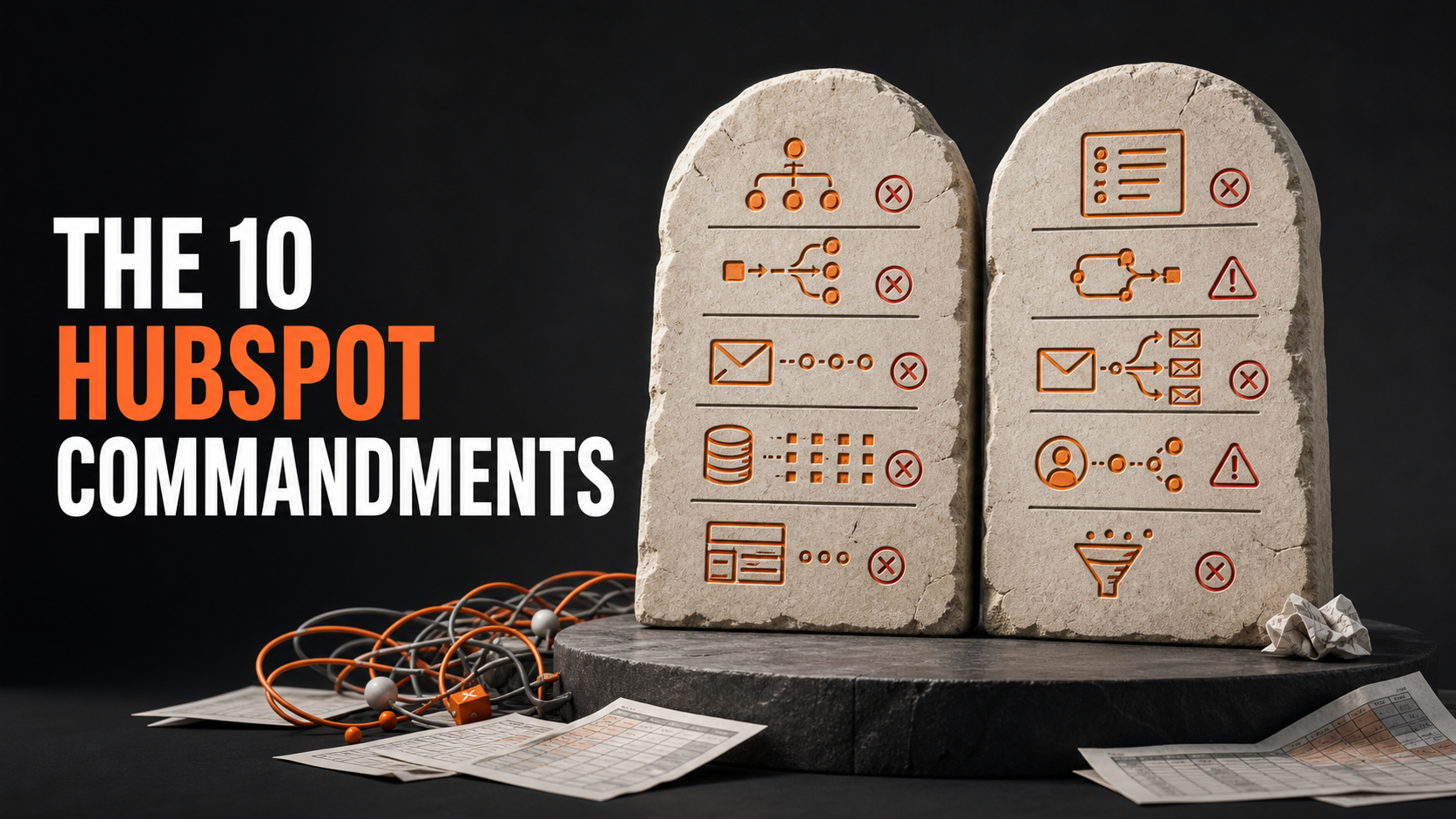
I’m here to help in understanding what and when HubSpot should be used, in Ten Commandments-style.
Ready? Let’s continue…
1) Thou shall not use HubSpot for cold outreach: Not today, not ever. Everyone in your HubSpot portal needs to be someone who has knowledge of their data being in there (so they need to have some level of warmth). You can prospect, but this needs to be done for folks that may have inquired about your business in the past and did not convert, who may have downloaded a resource or subscribed to something, who have inquired today, who may have been referred (and consented to it), customers, past customers and so on. Think of your database as a data controller, because it is, and think about all of the compliance and legalese that this entails, GDPR is not the only data compliance law out there, and “it only applies to the EU” does not mean free reign in shady outreach tactics when only doing business in the United States. I have seen enterprise companies with upwards of a couple million contacts unknowingly breaking these laws, and it’s all “just emails” until it isn’t. Take every data deletion request seriously and have a dedicated email for it. Do not do cold outreach via HubSpot because HubSpot also has a spam toleration threshold, overall, by doing cold outreach with HubSpot you are breaking software usage rules, running into compliance risk, and being unethical.
2) Thou shall be careful with the SMS add-on: Here is where it gets serious. I never genuinely recommend the SMS add-on. Don’t get me wrong, it’s fantastic, but tell me right now why you need it? 100% of the companies that I have asked this question to say that it is because they want to increase a sense of urgency in their leads’ purchasing decisions, OR they desperately want to fill up webinar attendance, or simply send confirmations that are essentially a shortened version of an email.
I am sorry that it has to be me who tells you that Santa Claus isn’t real. But a pushy SMS strategy to increase webinar attendance is not worth it if the consequence can be jailtime.
Of course, I’m exaggerating (right?) but look, if you’re gonna use the SMS add-on, consent is a MUST.
Have a checkbox added to all your phone-gathering forms, let it have a good compliance-friendly text whereby you tell people that the gathering of their phone number WILL (not MAY, but WILL) result in promotional/marketing SMS messages. Set up a workflow automation in HubSpot that makes that custom checkbox set contacts to marketing contact status and their subscription preference to “Marketing SMS” or similar (if you need help setting this up shoot me an email at jorge@fuenteszapata.co and I’ll do it for you for FREE).
Then, make sure that the ONLY people getting SMS messages are folks that explicitly checked that box. Lastly, that box should NOT be made required in your forms, it should be as optional as soup or salad as a side dish that you’re not even gonna touch.
3) Thou shall use a secondary domain or a primary subdomain to send out marketing emails: Here is where I get immediate pushback, and I cannot convince you that the earth isn’t flat if you truly believe so. But don’t set me on fire just yet…let me explain.
Everyone is using their primary domain to send out marketing emails. Because, of course, “contacts consented to getting them, they submitted a form somewhere on my site at companydomain.com and so they NEED to receive a confirmation email from companydomain.com what are you talking about Jorge? Are you even a marketer? Are you even a human being!”
While I don’t know how to answer that question properly without a brain cramp….No, you should not use your primary domain even for marketing. Well, not for mass marketing, even if it’s entirely consented.
What you should do is have a primary subdomain like email@marketing.companydomain.com instead of email@companydomain.com this helps guard your sending domain reputation at scale, and maintains your brand’s credibility and trust without hurting deliverability. If you go the way of doing it like everyone else, at some point, the same audience WILL NOT be engaging the same way, and you’re gonna fire your marketing person and look for an Email Marketing Specialist with HTML and design skills because you’re gonna think that the problem is in your subject lines and the design of your emails when they’re simply going to the Promotions tab, right to spam, and suddenly, your database is back to junk.
4) Thou shall use the default HubSpot lifecycle stages: PERIOD. If you are thinking of doing custom lifecycle stages you simply don’t know what a lifecycle stage is. You can remove default lifecycle stages, but trust me when I tell you that “Connected” or “Past Customer” is not a lifecycle stage, it’s a status. But this ties into commandment #5…
5) Thou is better off not using lifecycle stages at all, if thou doesn’t understand them. You don’t have to use them if you don’t get them, don’t force yourself to get them. Even though they are the simplest thing you can imagine, if you try to overengineer them they already will have lost their purpose, they are not your sales process, they are not your marketing funnel…think of them like this…as I write this I am 32 years-old, have a wife and a 2-year-old daughter. But my lifecycle stage, in life, is NOT husband and father, I’m simply a young adult (yes, young…hey, it’s my blog article). One day my lifecycle stage will not be 70-year old grandpa, but simply elder, you get what I am saying? That’s what lifecycle stages are, and that’s why the default stages should be either not used, shortened, or left unchanged and embraced because their simplicity is their identity.
6) Thou shall not use HubSpot as an ERP: HubSpot is not where your accounting, inventory, fulfillment, payroll, contracts and every other operational fact should go to live. Yes, custom objects exist. Yes, integrations exist. And yes, with enough workflows, properties and determination, you could probably make HubSpot calculate the phases of the moon. That does not mean you should. Let your ERP manage resources and transactions; let HubSpot manage customer relationships. Integrate the two, but do not force one to impersonate the other.
7) Thou shall not use HubSpot as a data landfill: “We might need it someday” is not a data strategy. Do not import every spreadsheet, scraped contact, event attendee and mysterious list named FINAL-V7-ACTUAL-FINAL.csv into your portal. Every record should have a legitimate origin, an owner, a purpose and a reason for remaining there. A CRM full of irrelevant and outdated data does not give you more intelligence. It gives you a larger invoice and less confidence in every report you open.
8) Thou shall not use HubSpot workflows to resuscitate a broken process: Automation does not fix confusion; it distributes confusion faster. If your team cannot explain when a lead becomes qualified, who owns it or what should happen next, please do not build a 47-branch workflow to make the decision for them. Define the process outside HubSpot first. Then automate the parts that are repetitive, predictable and already understood.
9) Thou shall not use HubSpot as an employee surveillance system: Activity tracking is there to create context around the customer relationship, not to determine whether Sarah moved her mouse enough times on Tuesday. Emails sent, calls logged and tasks completed can be useful operational signals, but they are terrible substitutes for judgment, coaching and actual outcomes. The moment your CRM becomes a digital ankle monitor, your team will learn how to satisfy the dashboard instead of serving the customer.
10) Thou shall not use HubSpot as a substitute for a sales and marketing strategy: Buying Sales Hub does not give you a sales process. Buying Marketing Hub does not give you positioning, an audience or something valuable to say. HubSpot can organize, automate and measure a strategy, but it cannot invent a good one merely because the subscription is Professional or Enterprise. If the message is irrelevant, HubSpot will simply help you deliver irrelevance more efficiently.
While there are more laws you should observe when it comes to properly using HubSpot for what it is for, I've found the most challenge in these particular use cases.
Need help with staying obedient to any of the above commandments?
Get in touch with me.